McAllenGarageSales.com
Your Neighborhood Treasure Map!
Turn-by-Turn Directions to Any McAllen Sale
Free Feature
Get instant, one-click directions to any McAllen garage sale! Tap Get Directions and Google Maps opens with the route ready
and spend more time treasure hunting, less time searching for addresses.
Why You'll Love One-Click Directions
Navigate with Confidence
No more fumbling with addresses or getting lost. Click the "Get Directions" button and Google Maps opens with the route ready to go.
Save Time
Spend less time searching for addresses and more time finding great deals. Our direct integration with Google Maps makes navigation effortless.
Works on Any Device
Whether you're on your phone, tablet, or computer, get directions in Google Maps, in the app or in your browser.
How to Get Directions to Any Garage Sale
Browse the Map or Listings
Start by exploring garage sales on our interactive map or listings page. Find sales that interest you based on their tags, location, or schedule.
Click "Get Directions"
On any listing page, you'll see a "Get Directions" button right below the map. Click it and Google Maps opens automatically.
Start Your Treasure Hunt!
Follow the turn-by-turn directions to arrive at the garage sale. Easy navigation means you can focus on what you'll find instead of on street names.
Smart Shopping: Plan Your Route
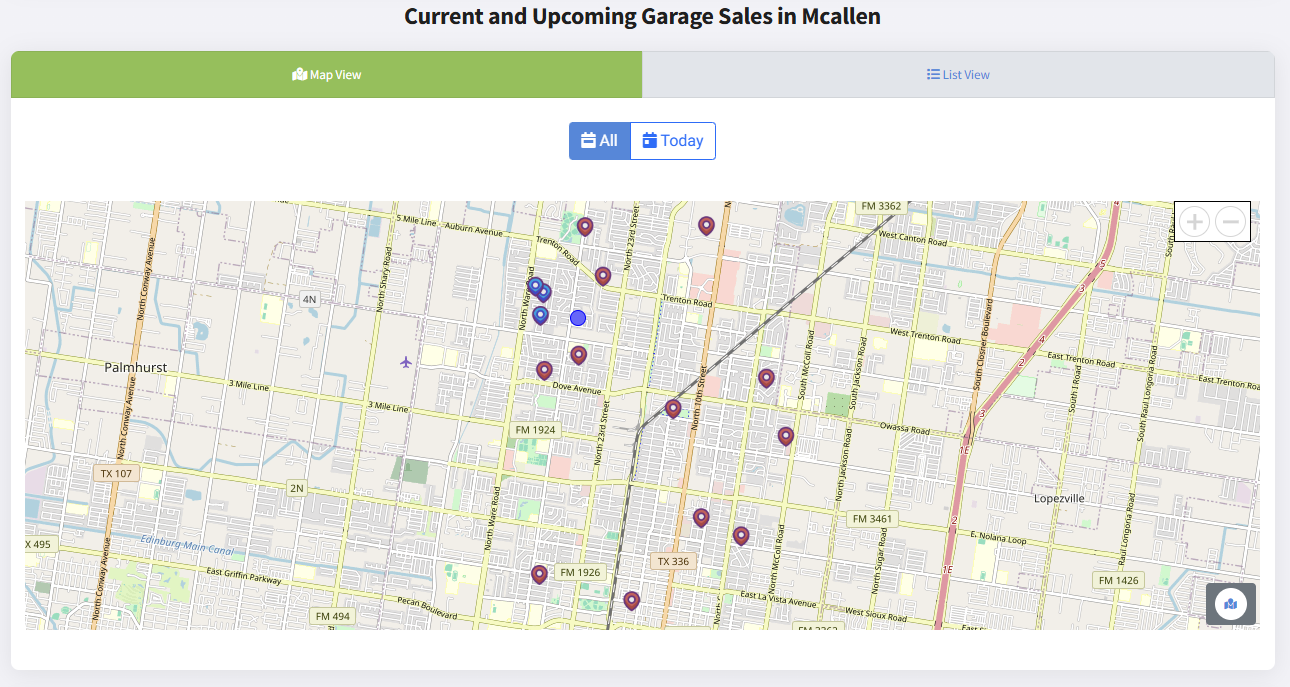
Visit Multiple Sales Efficiently
Want to hit several garage sales in one morning? Here's how to make the most of your time:
- Use the Map View: See every sale and spot the ones close together
- Save the Ones You Like: Build a list of sales to visit this weekend (free account)
- Get One Route: On your saved list, tap Get Directions for one multi-stop route through every saved sale
- Check Schedules: Make sure each sale is open when you plan to arrive
Frequently Asked Questions
Ready to Start Your Treasure Hunt?
Browse McAllen garage sales and get directions in one tap.
Completely free - no account required
Your Feedback Makes Us Better!
Have ideas for directions and routes? Tell us on our feedback board.
Share Your FeedbackA Friendly Note on Sale Schedules
While McAllenGarageSales.com proudly uses official City of McAllen permit data to list sales, please remember that individual sellers manage their own operating hours. These hours might occasionally differ from the permitted times. We always recommend checking for any specific details or updates provided by the seller if possible.
Subscribe to News and Updates
Sign up to get the latest from us, including a digest of upcoming garage sales sent straight to your inbox!
Don't see the form? Click here to sign up!